
Shutter count
Free & private camera checker
Check Your Camera Shutter Count
Read shutter count and EXIF metadata from an original, unedited camera photo.
Drop an original photo here
or choose a file from your device
JPEG, Nikon NEF, TIFF, DNG · HEIC and AVIF where supported
Your photo and metadata stay in your browser. Privacy details
Reading embedded metadata…This usually takes less than a second.
We couldn’t read that file.
Nikon camera detected.Read how to interpret Nikon NEF shutter-count fields and limitations.
Check the camera’s shutter count
Camera shutter counts often require a one-time 24.2 MB reader download. Your photo remains on this device.
Preparing shutter-count reader…0%
Selected-file evidence
Camera identity summary
Compare these embedded values with the camera body and the seller’s claims. Matching values support consistency; they do not prove ownership, authenticity, or physical condition.
- Camera model
- Not found in this file
- Serial number in file Sensitive
- Not found in this file
- Shutter count
- Not found in this file
Add your own condition checks and download a report. When moving to the report page, camera and exposure fields travel locally in this tab; filenames, serial numbers and location are excluded.
Preparing a JPEG to share? Inspect and remove private EXIF fields with the local privacy cleaner.
Your photography workbench
A little inspiration for your next shot.
NewFocal length & perspective
Change the lens.
Then change your view.
Stay in one place or move to keep your subject the same size. Discover why distance changes the background in your photograph.
Explore focal lengthFree to use. No account needed.
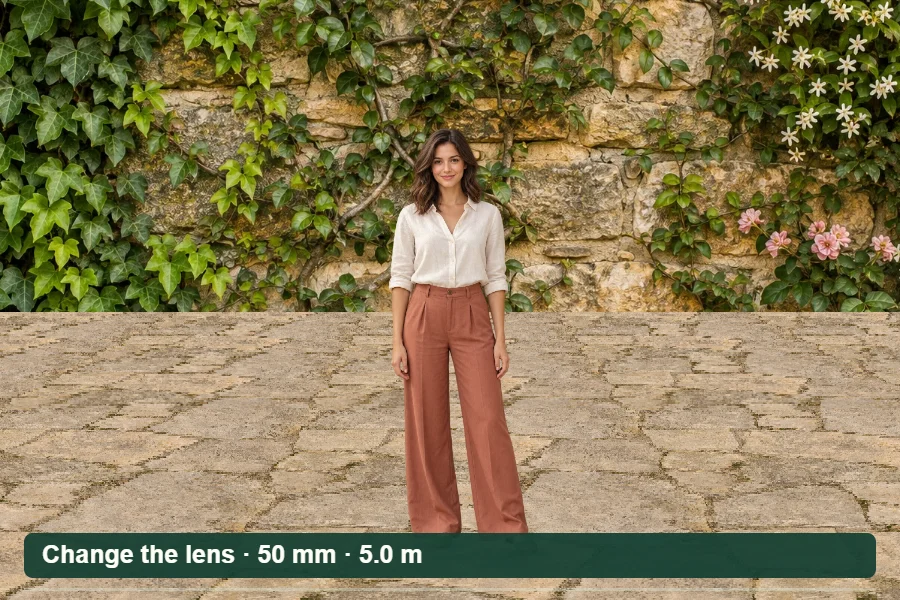 Demo · Focal length · perspective
50 mm → 85 mmMove backMatch the framing
Same subject size. A different relationship to the background.
NewWhite balance playground
A warmer moment.
A cooler feeling.
Explore the color of light with temperature and tint. Match the scene’s light, then see how a different white balance changes its mood.
Play with white balanceFree to use. No account needed.
 Demo · Color temperature · tint
3500 K · cool5500 K light8500 K · warm
White balance interprets the light already in the scene.
NewNight-sky exposure simulator
Hold the stars.
Or let them trace the sky.
See the effect of exposure time on a simulated night sky. Compare shutter estimates and inspect how far a star moves across the sensor.
Explore night-sky exposureFree to use. No account needed.
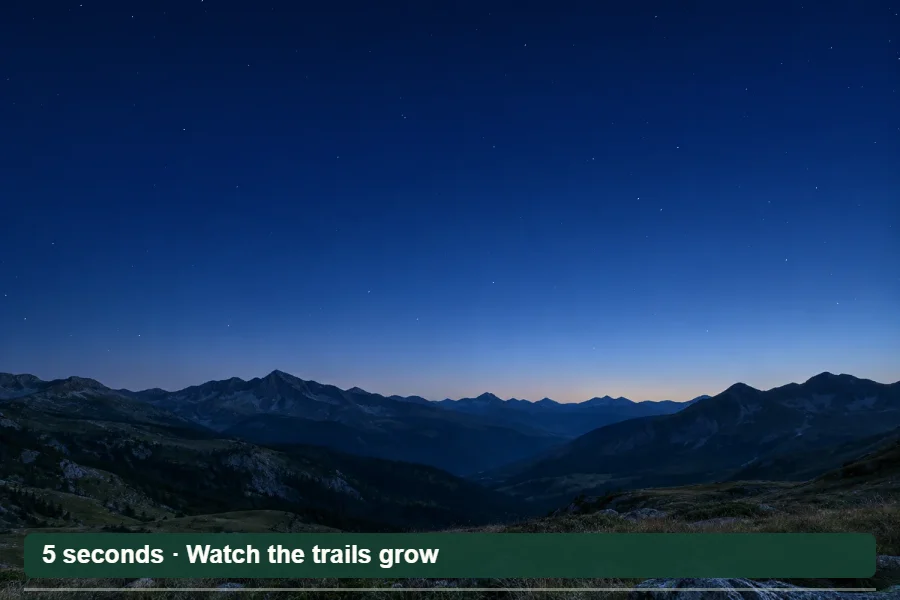 Demo · Stars · exposure · trails
24 mm5 seconds→ 30-minute trails
A fixed tripod records the sky’s apparent movement.
NewPhotography challenges
You choose the settings.
The picture tells the story.
Freeze a cyclist, soften moving water and work with less light. Four guided challenges turn camera settings into something you can see.
Try your first challengeFree to use. No account needed.
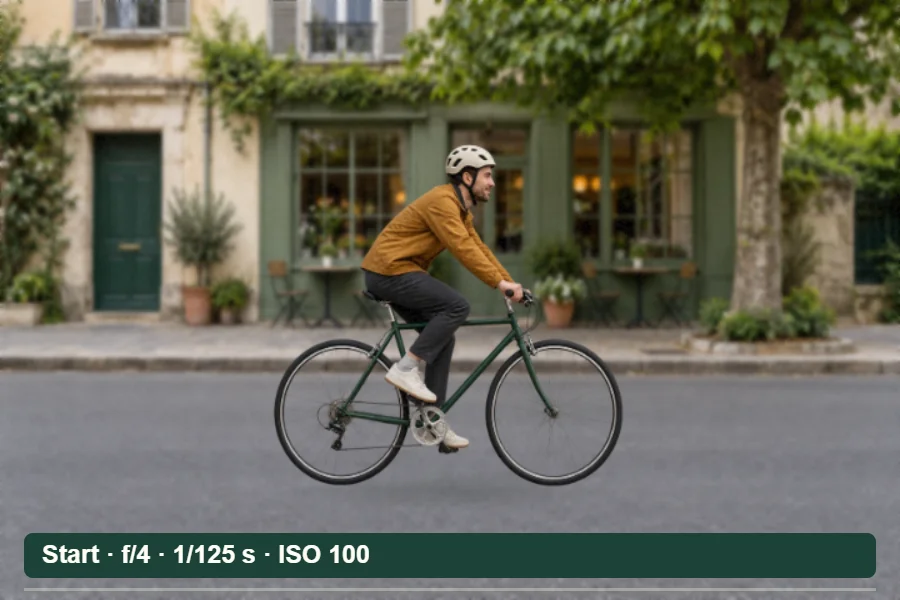 Demo · Four challenges · instant feedback
f/41/1000 secondISO 800
One solution to a crisp cyclist and balanced brightness.
NewCamera inspection report
What the file says.
What your eyes found.
Bring camera metadata and your condition checks into one useful record. Inspect locally, add your notes and download a printable report.
Build an inspection reportFree to use. No account needed.
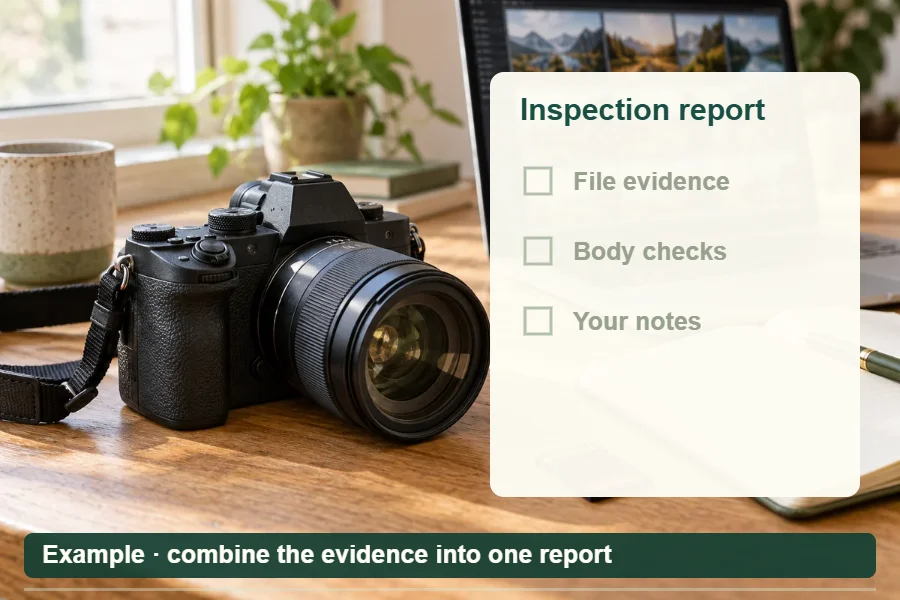 Demo · File evidence + your inspection
Camera metadata20 checksPrintable report
Serial numbers and filenames are excluded by default.
NewExposure playground
Three settings.
A whole new picture.
Find out what aperture, shutter speed and ISO do together. Keep the brightness, then change the blur, the focus and the feeling.
Play with exposureFree to use. No account needed.
 Demo · Light · focus · movement
f/8 → f/21/125 secondISO 100
A wider aperture adds light and softens the background.
NewND filter calculator & timer
Slow the shutter.
Let the water flow.
Turn your metered shutter speed into a long exposure. Add your ND filter strength, set the camera and start the countdown.
Calculate an ND exposureFree to use. No account needed.
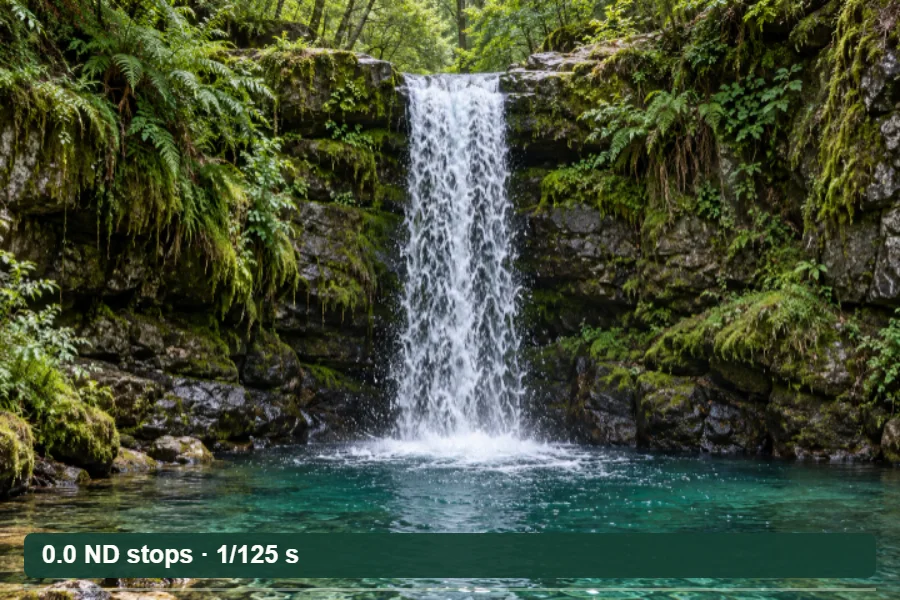 Demo · Long-exposure preview
1/125 second+ 10 stops8.192 seconds
Same aperture and ISO. More time for the light.
NewPrint size & crop
Find your frame.
Make room for print.
See your crop before you commit. Check the pixels you keep and how large your photograph will print at your chosen PPI.
Crop & calculate a printFree to use. No account needed.
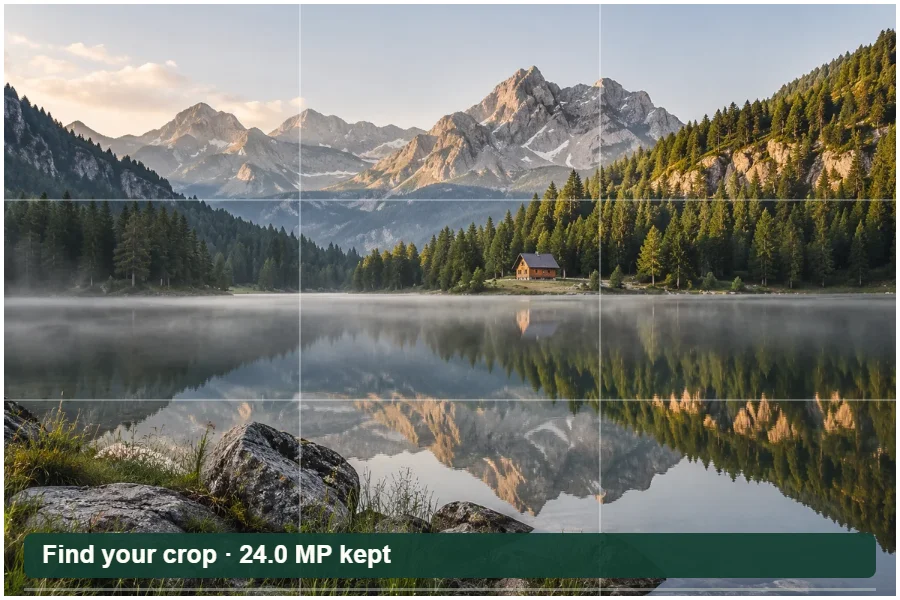 Demo · Example · a square crop
24 MP original→16 MP square
4,000 × 4,000 px → 13.3 × 13.3 in at 300 PPI.
NewEXIF privacy cleaner
Keep the moment.
Choose what you share.
Your JPEG can carry more than a picture. Inspect location and camera details, remove selected fields and download a cleaned copy.
Clean a JPEG privatelyFree to use. No account needed.
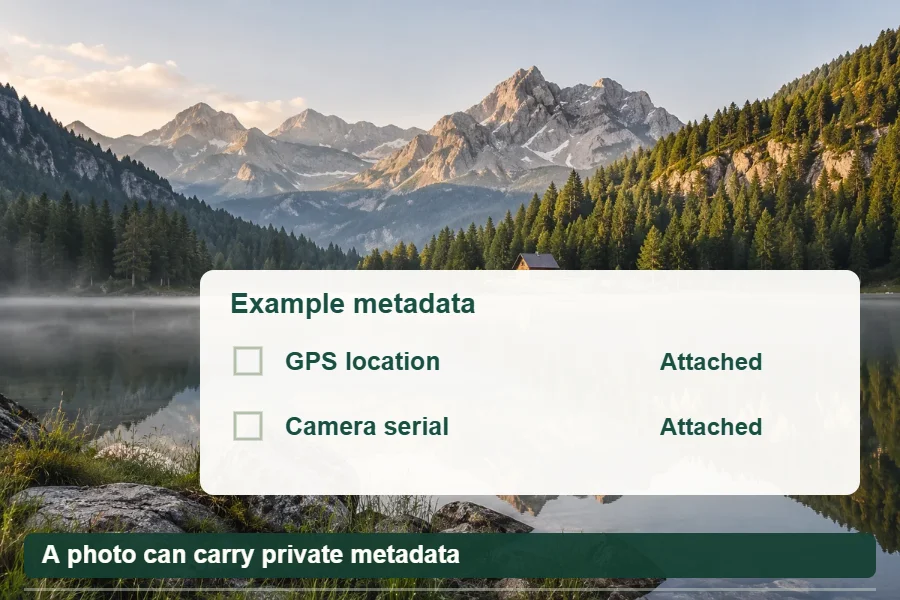 Demo · Example · cleaned JPEG
Local processingJPEGNo recompression
The same picture, with fewer private details attached.
NewTimelapse planner
An hour of life.
Thirty seconds of wonder.
Make a plan for the passing clouds and changing light. Connect your shooting time, interval and frame rate before you head out.
Plan a timelapseFree to use. No account needed.
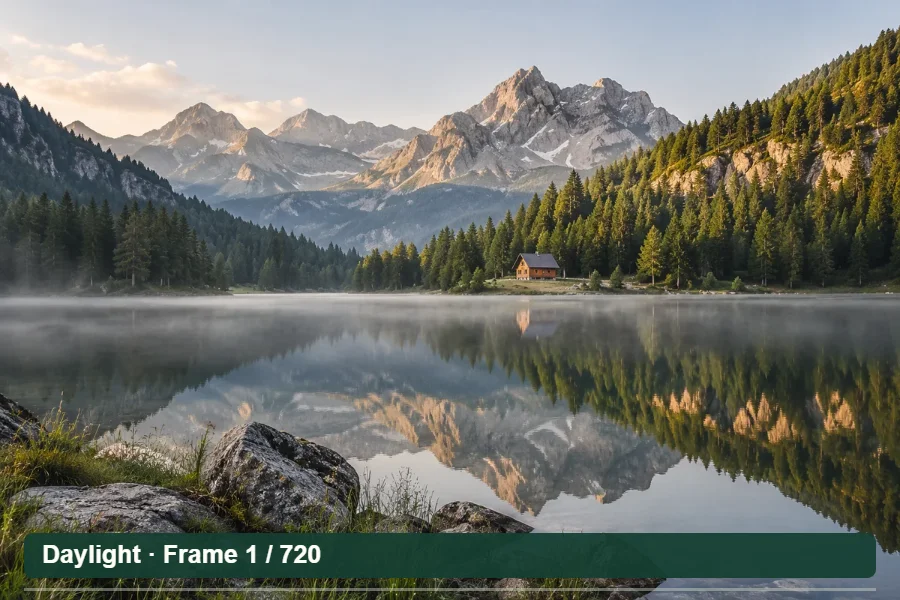 Demo · A little time, compressed
60 minutes720 photos30-second video
Example: a 5-second interval, played back at 24 fps.
NewUsed-camera inspection
A new-to-you camera.
A closer look first.
Look beyond the shutter count. Work through 20 checks, record anything that needs attention and take a report with you.
Start a camera inspectionFree to use. No account needed.
 Demo · 20 checks · 5 areas
InspectRecordSave your report
Body, sensor, focus, controls, storage and more.
Watch a demo · next tool in 10 seconds
Animated demonstrations using AI-generated photos. Effects and workflows are illustrative. Pause stops the demonstrations and carousel. Your Play/Pause choice is remembered in this browser.
New research: 273 Nikon NEFs, model by model — counter differences, positive results and missing fields.
Field notes & original research
Understand the number behind the photo.
Follow a recorded Nikon result, see what 1,870 test files revealed, or work through a used-camera purchase.
Explore all camera guides
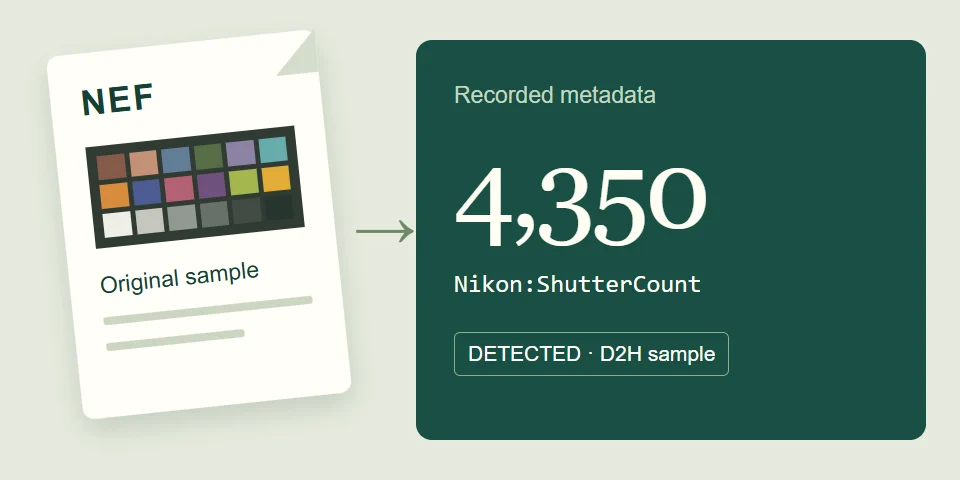
A real file, an exact result
Reproduce the Nikon D2H’s 4,350 count
Identify the CC0 sample by its fingerprint, inspect the exact tags, and understand what the result establishes.
Follow the case study →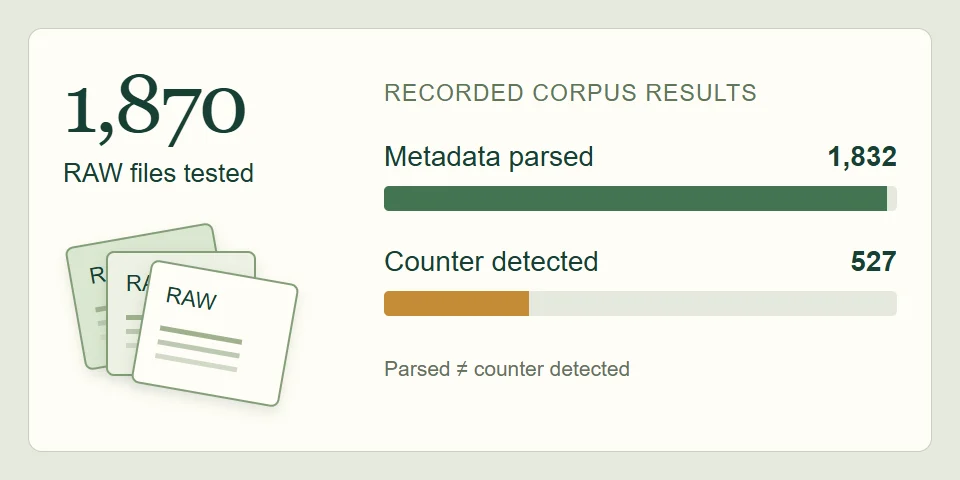
1,870 RAW samples
Read our original compatibility research
See positive detections, missing counters, and conflicting fields alongside the current accepted-format boundaries.
Inspect the evidence →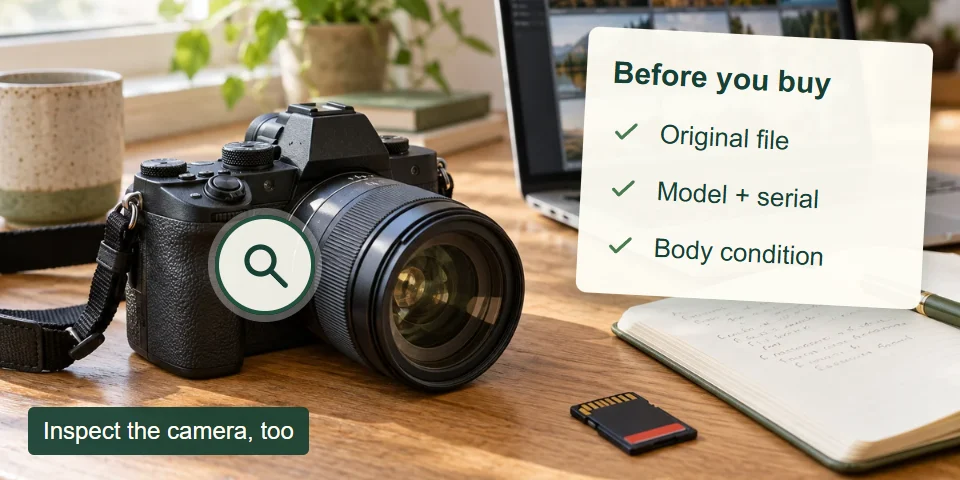
Before you buy
Check a seller’s camera claims
Request a fresh original, compare model and serial evidence, and inspect the parts that EXIF cannot assess.
Use the buying checklist →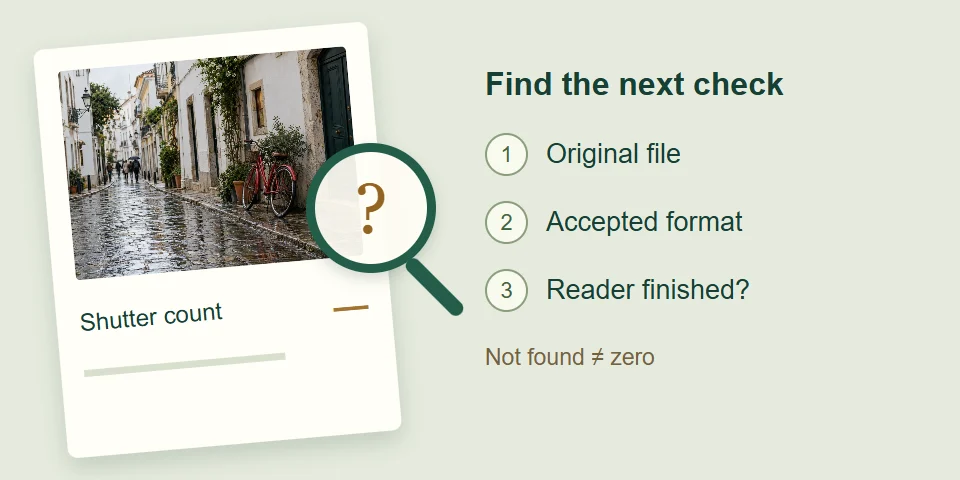
When a result is missing
Find the next useful check
Separate unsupported files, lost MakerNotes, incomplete downloads, and a successfully read file with no counter.
Troubleshoot a missing count →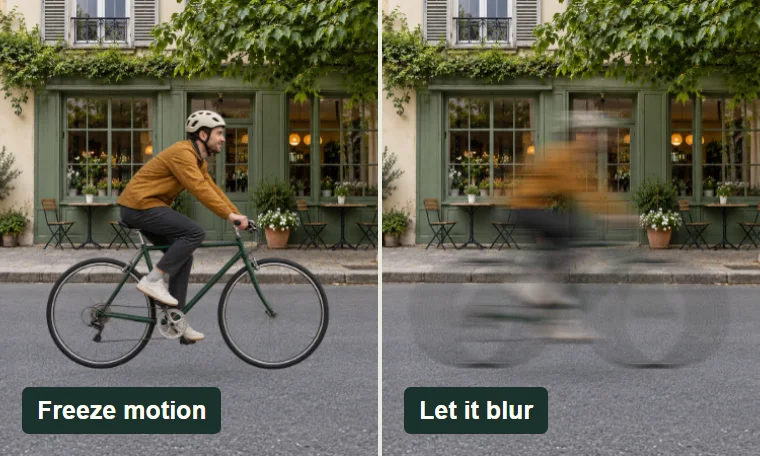
New · Interactive photography tool
A fraction of a second. A different story.
Freeze a cyclist, soften a waterfall or trace a spinning fan. Compare shutter speeds and see how subject motion and camera shake change the picture.
Explore the shutter speed simulator →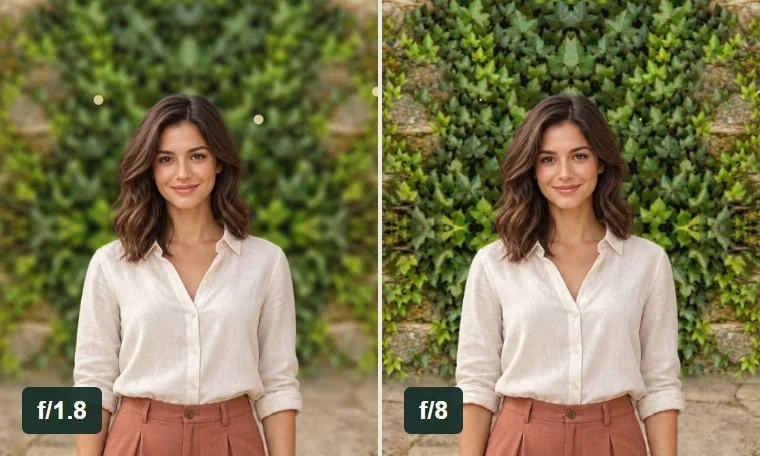
New · Interactive photography tool
A little focus. A different feeling.
Compare sensor sizes, lenses and apertures. Watch background blur change in a generated garden scene, with two camera setups side by side.
Explore the bokeh simulator →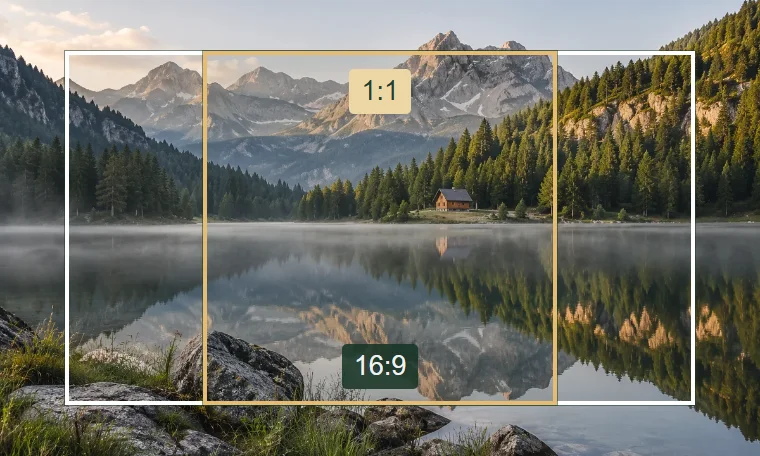
New · Photography tool
Find the right frame.
Calculate aspect ratios and proportional image dimensions. Photo and video presets, a live preview, and no upload needed.
Open the aspect ratio calculator →Using the checker
How to Check Your Camera’s Shutter Count
- Select an original camera photo.Use a file transferred directly from the camera rather than a screenshot or social-media copy.
- Let the browser read its metadata.The fast EXIF scan runs locally on your device and does not upload the selected image.
- Choose “Check shutter count.”If the quick scan does not find a counter, the optional local reader checks proprietary MakerNotes.
- Review the evidence.Confirm the tag source, camera model, and other EXIF fields instead of treating one number as infallible.
What Is Shutter Count?
Shutter count—also called shutter actuations or shutter releases—is a camera’s recorded total of shutter operations. It usually refers to mechanical shutter use, although the exact counter depends on the manufacturer and model. It is not the same as shutter speed, which is the exposure time used for one photograph.
For a deeper explanation of counters, MakerNotes, and common misconceptions, read what shutter actuations and shutter count mean.
Why Shutter Count Matters
A shutter count provides useful context when buying or selling a used camera, comparing two bodies, estimating mechanical use, or reviewing a camera’s service history. It is one condition signal—not a prediction of the exact frame at which a shutter will fail.
Use the count with physical condition, service records, sensor condition, controls, and the seller’s history. A low count cannot prove that a camera was stored or handled well.
Buying second-hand? Follow the used-camera verification and inspection checklist to compare file metadata with the body without treating it as proof of ownership or condition.
Why Your Shutter Count May Not Appear
- The camera does not write a shutter counter into the selected file.
- Editing, exporting, messaging, or social-media software removed the metadata.
- The file is a screenshot or copy rather than an original camera image.
- The value is stored in a manufacturer-specific MakerNote that is unavailable or undecoded.
- The file type is not currently accepted by this application.
- Electronic-shutter captures are counted separately, combined with mechanical captures, or not represented.
A missing result means not found in this file; it does not mean the camera’s shutter count is zero.
Shutter Count vs. Electronic Shutter
A mechanical shutter physically moves curtains in front of the sensor. A fully electronic shutter reads the sensor without that complete mechanical cycle. Some cameras increment only a mechanical counter, while others expose combined or separate values. Video and silent-shutter use can therefore make a mechanical shutter count lower than the camera’s total image or operating history.
Supported Files and Cameras
The current interface accepts Nikon NEF, JPEG/JPG, TIFF, DNG, and browser-readable HEIC/HEIF or AVIF files. NEF has been validated with a representative Nikon D40X file; results still depend on the camera and metadata preserved in the individual file. Other proprietary camera RAW formats are not currently accepted or advertised.
Nikon owners can follow the dedicated Nikon NEF shutter-count guide, including the distinction between a detected metadata field and an independently verified mechanical count.
See the supported files and compatibility notes. Canon owners should read the careful guide to Canon EOS shutter-count methods and limitations. Olympus and OM System owners can use the separate in-camera diagnostic-menu guide when the counter is not present in a photo.
Common questions
Frequently Asked Questions
How do I check my camera shutter count?
Take a fresh photo, transfer the original file without editing it, choose it in the checker above, and use Check shutter count if the fast metadata scan does not find the counter.
Can I check shutter count from a JPEG?
Sometimes. Some cameras preserve a readable counter in an original JPEG, while others do not. A JPEG exported by editing or social-media software may have lost the necessary MakerNotes.
Does shutter count always appear in EXIF?
No. Shutter count is not a universal standard EXIF field. Manufacturers may place it in proprietary MakerNotes, expose a different counter, or omit it from photo files.
Why doesn’t my camera show shutter count?
The camera may not store it in that file, the metadata may have been stripped, the format may be unsupported, or the manufacturer-specific counter may not be decoded.
Does electronic shutter increase shutter count?
It depends on the model and counter. Some values represent mechanical releases only; others combine mechanical and electronic captures or expose separate counters.
Can shutter count be reset or edited?
Metadata inside an individual file can be changed, so treat it as evidence rather than tamper-proof proof. Camera service or shutter replacement may also affect how a model reports its counters.
Is shutter count important when buying a used camera?
Yes, as one indicator of mechanical use. Also inspect physical condition, controls, sensor, service history, and whether the supplied photo is a fresh original from the camera.
Does ShutterActuations upload my photo?
No. The selected image and extracted metadata remain in your browser tab. The optional reader software is downloaded from the site, but the photo is not attached to that request. See the privacy architecture.